Toggle Nav

Search
My account
Select Multiple Sizes Popup - Magento 2 Extension
Discover with AI
Ask for product details, compare alternatives, and get intelligent buying recommendations instantly.
-
 2.3.X
2.3.X  Lifetime FREE Updates
 Free 30 Days support
 One Time Payment Cost. No extra or Hidden Charges.
 100% Open-source and customizable software

Benefits of Multi Size Popup extension include:
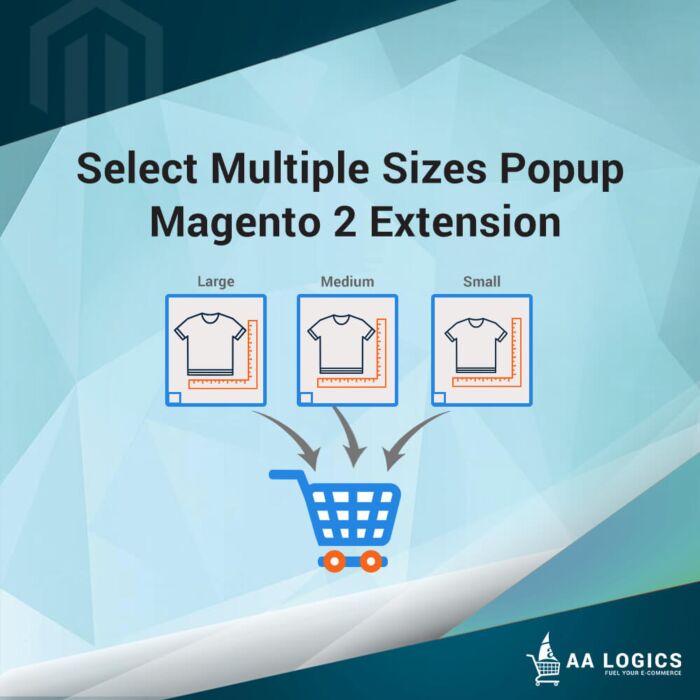
- This Extension allows multiple sizes to select at the same time.
- Previously only one get selected at a time.
- If the user did not select any pre-requisite attribute popup will prompt the user to select the required attributes
- On entering the quantity for each size popup will show price along with the size
- After entering all the required sizes if the user clicks the button add to bag, all selected sizes will be added to the cart.
Support
- Lifetime FREE Updates
- Free 30 Days support
- One Time Payment Cost. No extra or Hidden Charges.
Compatible with Magento 2.1.X , Magento 2.2.X , Magento 2.3.X


Reason To Choose Select Multiple Sizes Popup for Magento 2 Store
Related Products



Discover Products
Select Multiple Sizes Popup - Magento 2 Extension - Explore details and features of this product

People Searches
AI PRODUCTS , AUTOMATION

AAlogics Agentic
Online · Shopping help
Your AI Shopping Assistant
Continue with your email
Enter your email so we can help with products and follow up if you leave items behind.
Please complete your information below to login.
Sign In
Create New Account