
Smart Checkout with Google Maps Pin Address for Magento 2
-
 2.4.X, 2.4.6+
  Lifetime FREE Updates
 Free 30 Days support
 One Time Payment Cost. No extra or Hidden Charges.
 100% Open-source and customizable software

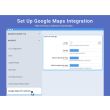
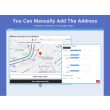
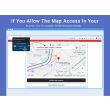
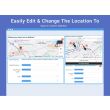


Enhance User Experience with Google Map Addresses Pin
How it works
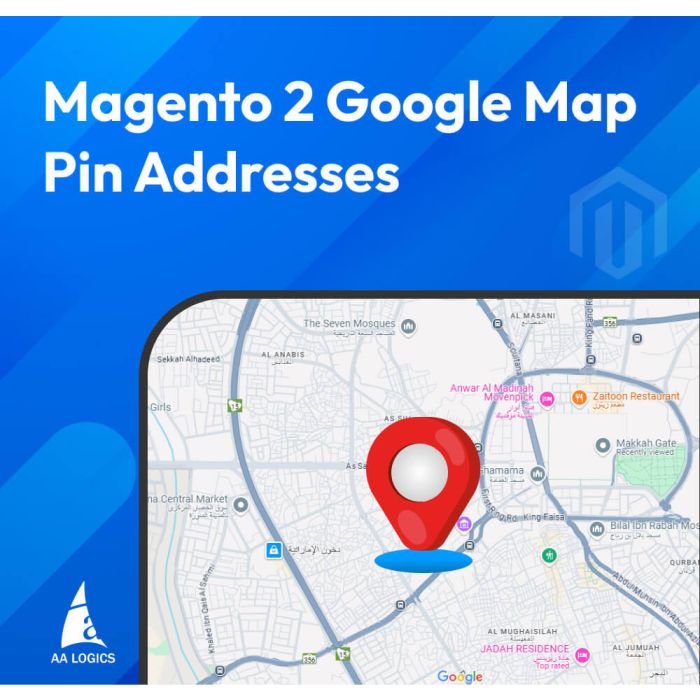
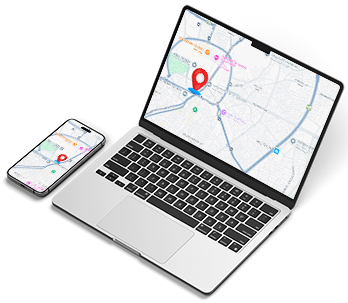
Simplify address entry on your Magento 2 store with our Google Pin Address extension. Designed to enhance usability and streamline the checkout process, this extension integrates Google Maps pin location functionality directly into your store. Customers can effortlessly select their precise address by pinning their location on a map, reducing errors and ensuring accuracy. This feature is available on both the checkout page and the "My Account (Coming Soon)" addresses section, creating a seamless user experience. Customers can easily find their location by Google Maps and drop a pin drop location to confirm their address. Admins can easily configure the extension to enable or disable the Google Pin Address feature as needed. Perfect for stores aiming to improve address accuracy and reduce cart abandonment rates, this extension is a must-have for eCommerce success. With Magento map integration, it’s built to provide performance, security, and customer satisfaction.
Features
Integrates Google Maps' pin address functionality.
Available on checkout and "My Account" address fields.
Improves address accuracy and reduces input errors.
Simple admin configuration.
Enhances user experience and boosts conversions.
Use Cases

Ensure accurate delivery for eCommerce stores with Google's pin location.

Simplify address input for areas with complex or incomplete addresses.

Enhance mobile shopping by enabling precise location selection on smartphones.

Standardize address formats for international customers.

Improve checkout efficiency and reduce address input errors.

Perfect for stores operating in rural or hard-to-find locations.
Frequently Asked Questions
It simplifies address entry by enabling customers to pinpoint their location, reducing manual input and errors, ensuring faster and more accurate order processing.
Yes, the extension is mobile-friendly, allowing customers to use their smartphones to select their location effortlessly.
Yes, the admin can configure the extension to enable or disable the pin functionality for checkout, "My Account" addresses, or both as per your store's requirements.
Absolutely! By allowing customers to pin their exact location, it ensures precise address details, reducing delivery errors and improving order fulfilment accuracy.
Yes, the extension comes with detailed installation and setup instructions, making it easy for admins to install and configure without technical expertise.
Yes, you will need a Google Maps API key to use the pin location functionality. The key is easy to obtain from Google Cloud Platform.
Yes, customers can choose to manually input their address if they prefer not to use the Google Pin feature.
Yes, the Google Pin Address extension supports all regions where Google Maps is available, making it ideal for international eCommerce businesses.
It reduces address errors, enhances customer satisfaction, and improves delivery accuracy, ultimately leading to fewer cart abandonments and higher customer retention rates.






Validate your login
Sign In
Create New Account